
How IntuitionTyper works
IntuitionTyper takes your past writing history and remembers specific details about what you've said, and how you talk to each person. The more you use it, the more it can write for you.
It remembers what you've said
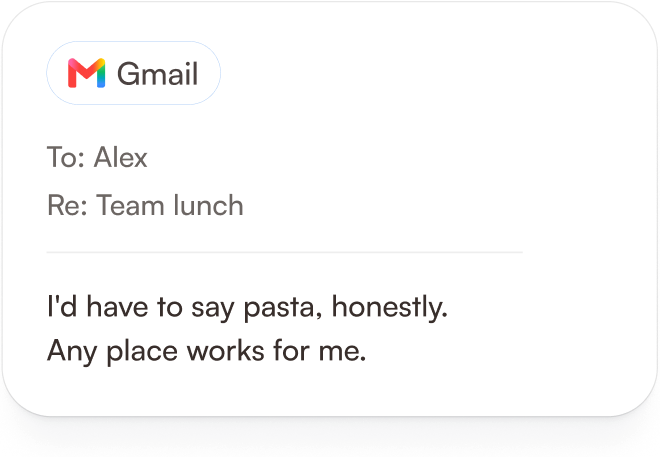 For example, let's assume….
You mention something on

Maybe a coworker asks you what your favourite food is, and you say that it's pasta.
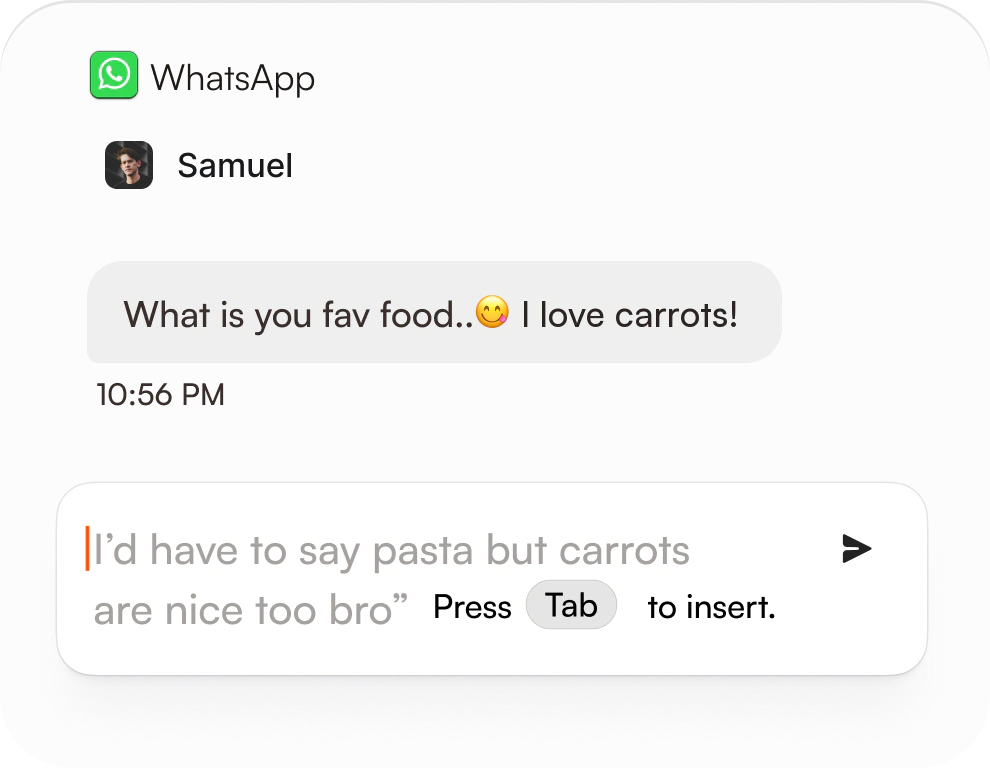 ...and a week later on Whatsapp

It remembers what you've said
A friend asks the same thing, and the answer is already waiting. Press Tab to insert it.
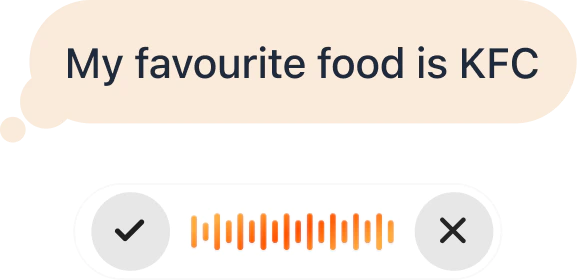 Later you change your mind
Say the change out loud
If a prediction is off, just say what you want instead.
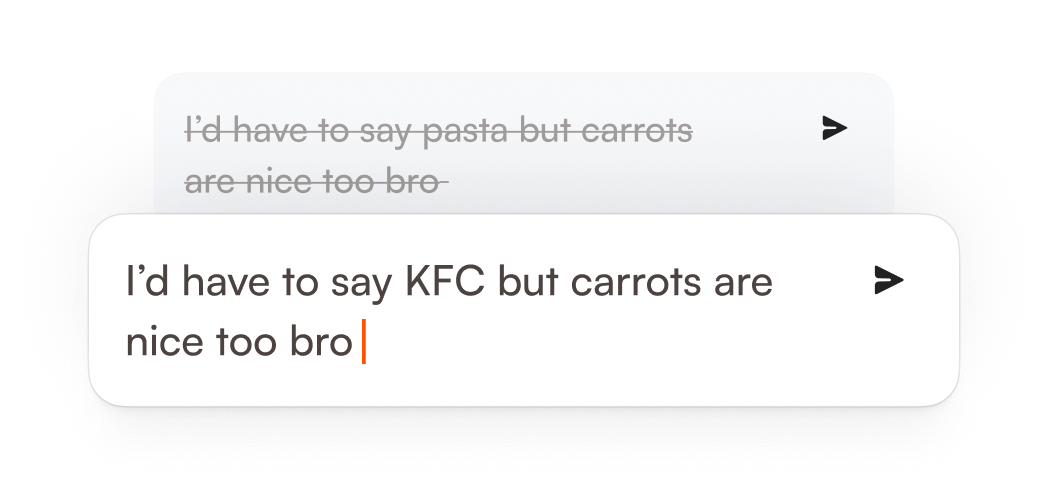 Immediately after that..
The suggestion updates
Pasta becomes KFC, and the rest of your sentence stays put.
 ...and when Alex and Samuel both ask (
 &)
It keeps your writing style consistent
Alex asks about lunch at work. Samuel asks on WhatsApp. Same answer, written the way you'd write them on each platform.
It predicts and types ahead, based on what you're doing
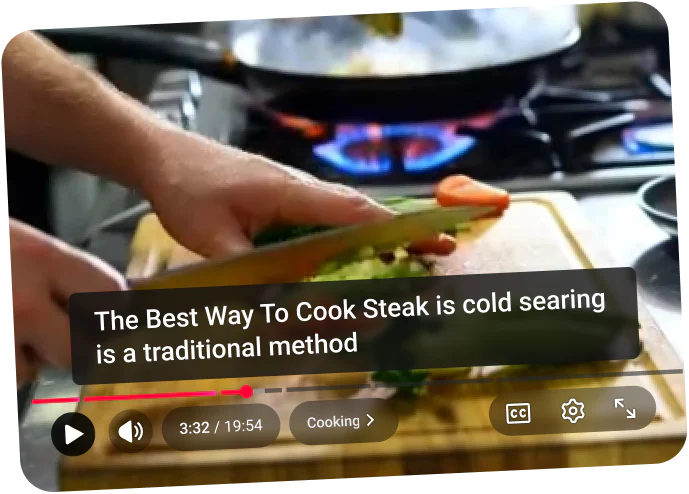 3:32 into a cooking video
Imagine watching a random cooking video
Halfway through a video on
 , they start talking about "Cold Searing". You have no idea what that is.
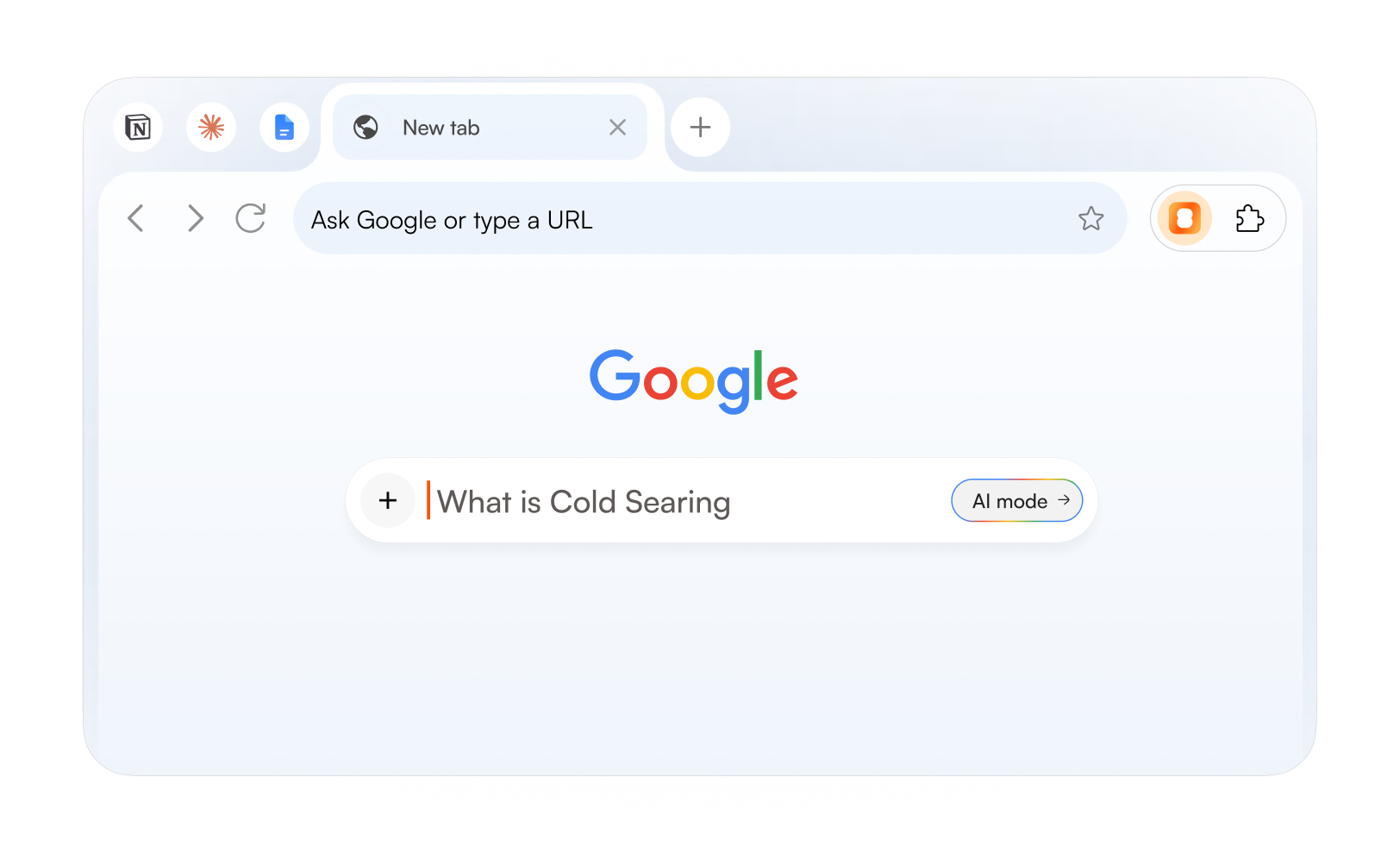 You open a new tab
It knows what you'll type next
Open
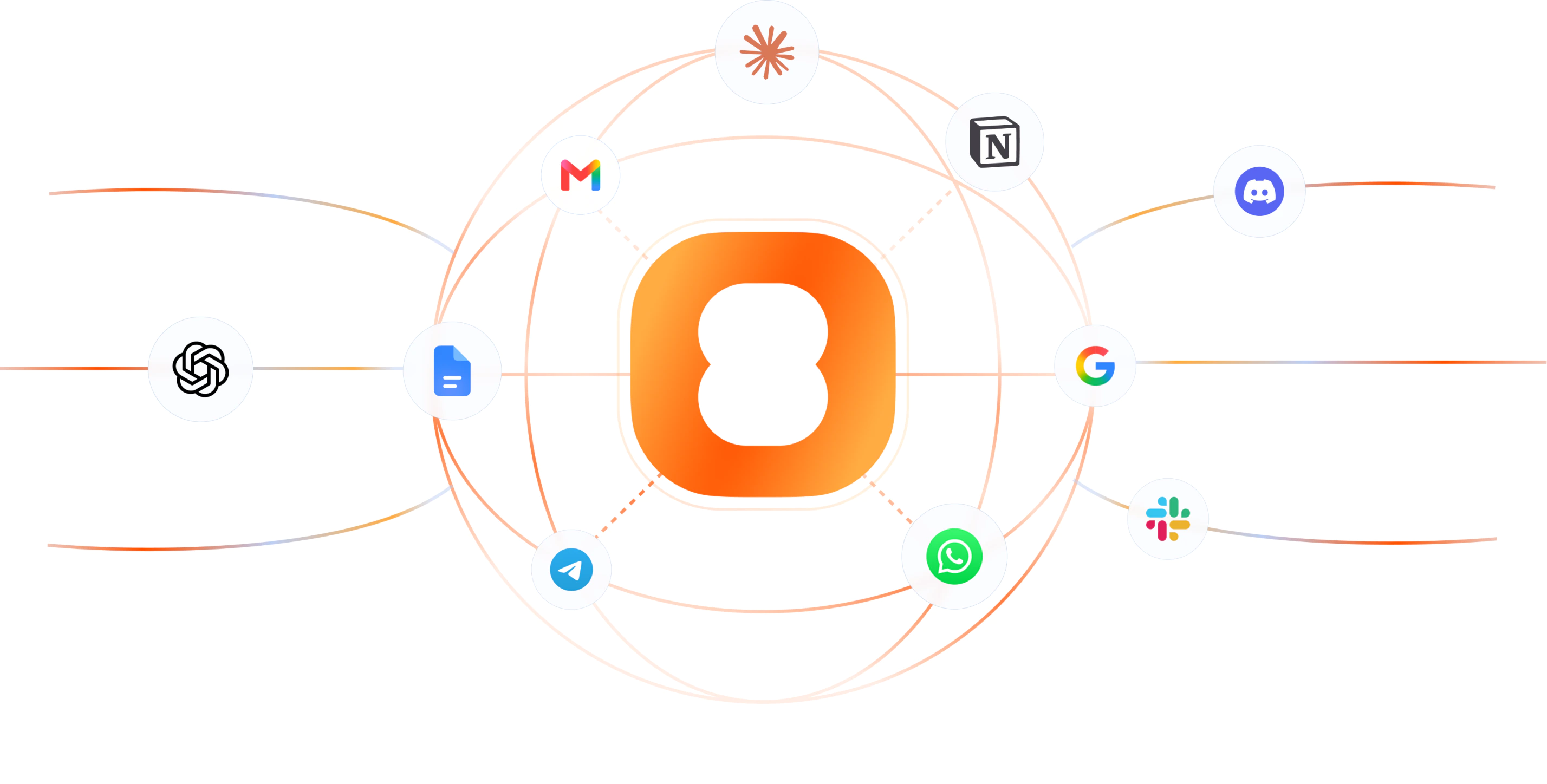
 and the question is already typed. Gmail, WhatsApp, and Google are just examples. IntuitionTyper works in pretty much any text box in Chrome.

And it keeps learning
The more you write, the more it gets right.
It predicts what you're about to type
Start typing in any text box and IntuitionTyper shows its prediction for the rest as faded text, right after your cursor. Nothing goes into your text until you accept it.
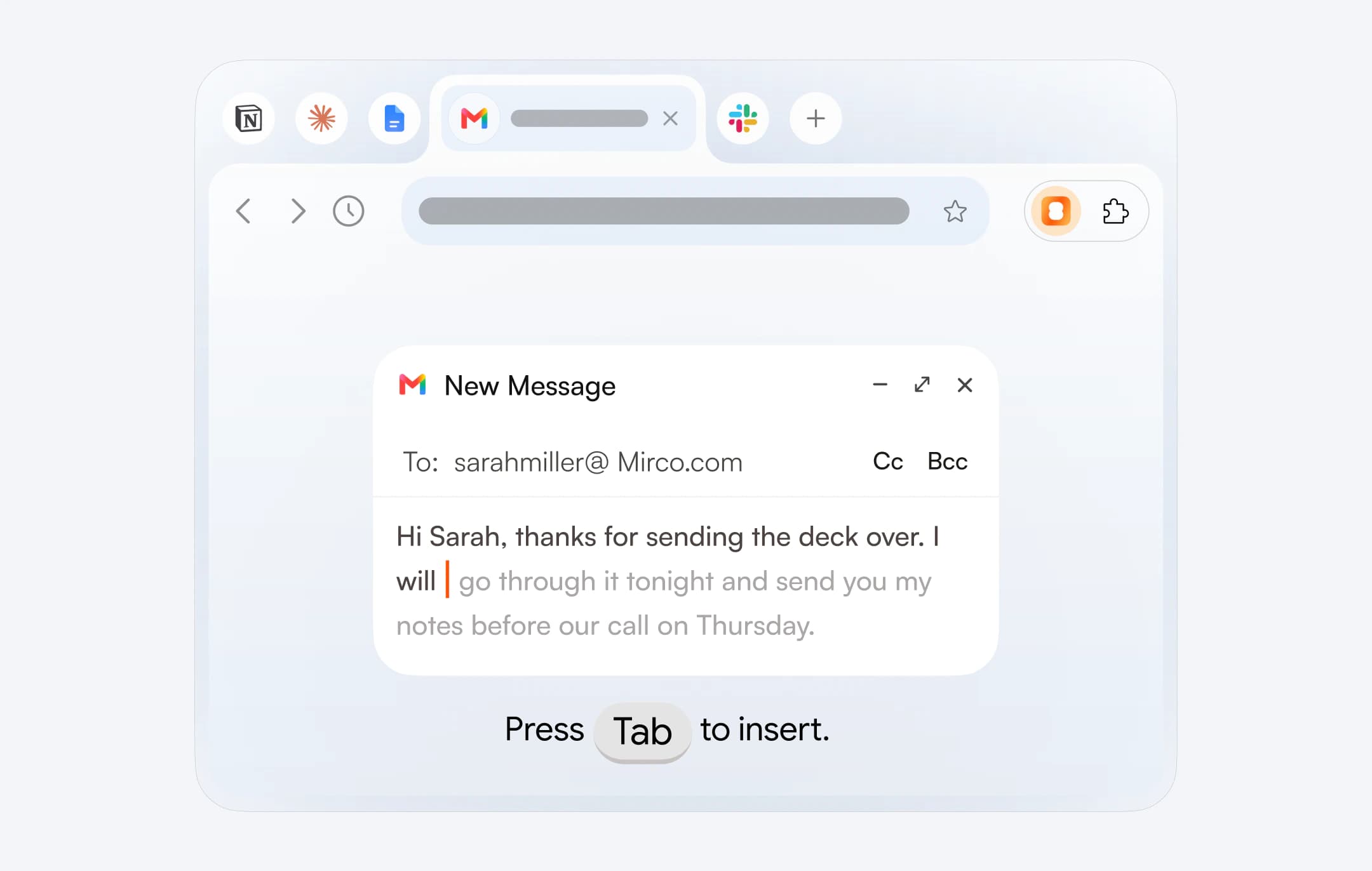
Press Tab to keep the prediction
If the prediction is what you meant, press Tab and it's added to your text. If it's not quite right, double tap Tab and you'll get a different one. And if you don't want it at all, just keep typing and ignore it.
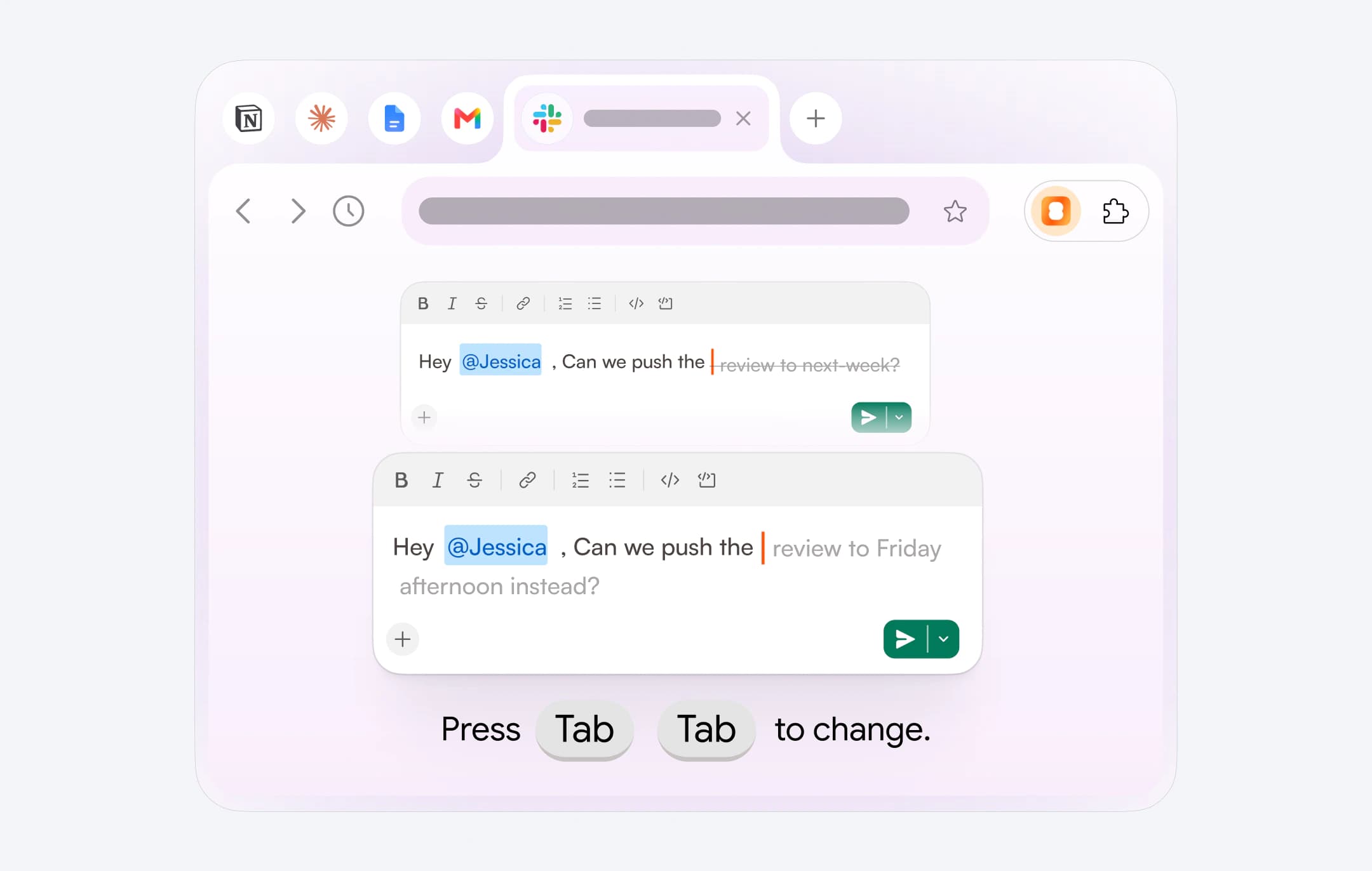
Hold Tab to change it by voice
Hold Tab and say what you want changed, like "make it shorter". IntuitionTyper edits the text for you.
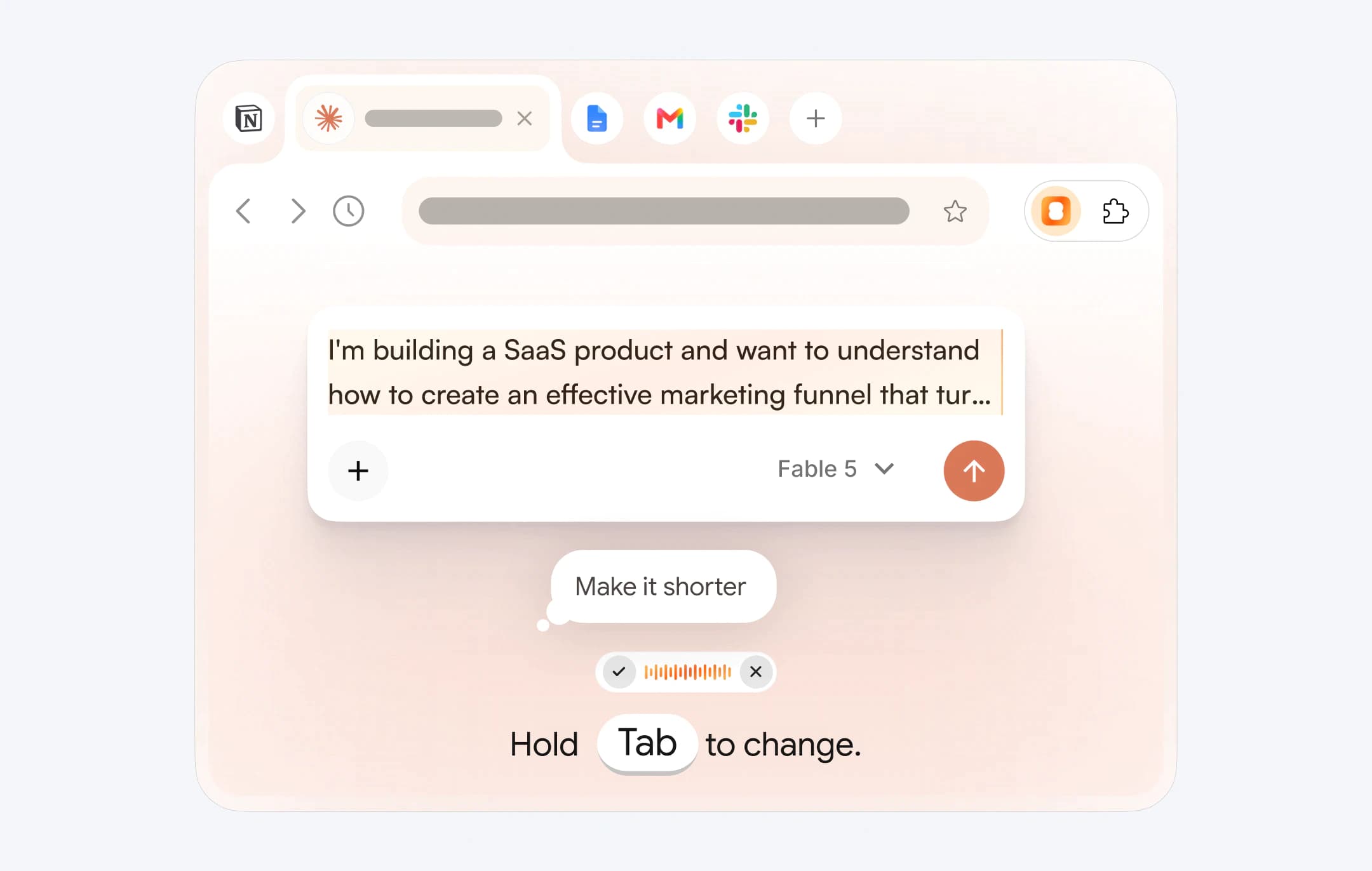
Works in pretty much any text box in Chrome
IntuitionTyper is a Chrome extension, so there's no new app to open.
It remembers what you write
Regular autocomplete makes the same guess for everyone. IntuitionTyper has a memory, so its predictions come from what you've actually written.
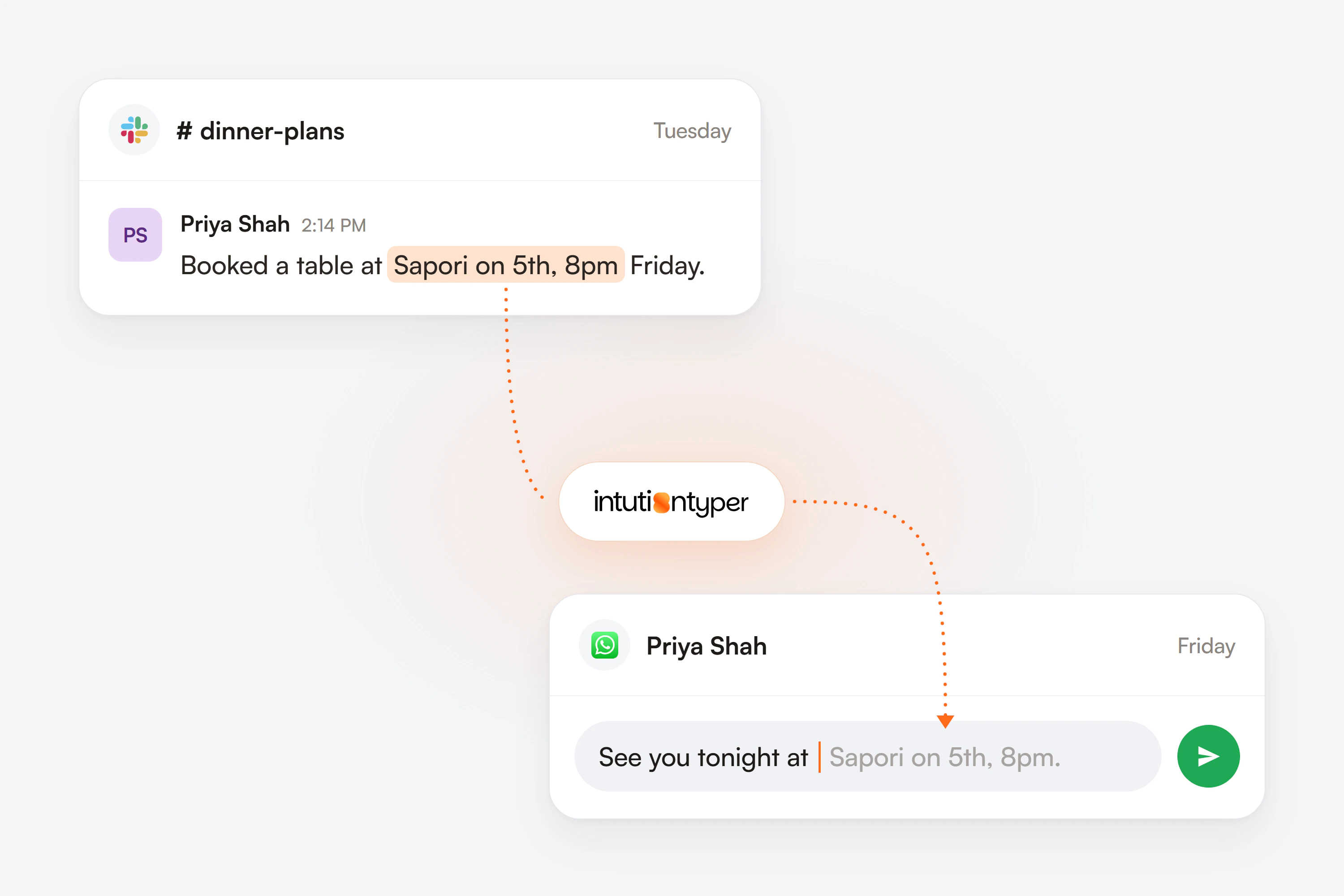
Names and details
Names, places and details you've used before can show up in later predictions, so you don't have to type them out again.
How you write
It picks up your writing style and the phrases you use a lot. The predictions end up reading like something you'd write.
What you keep or skip
Every time you accept, change or skip a prediction, it learns from that, so later predictions get closer to what you'd have written.
All the keys in one place
- Tab
- Keep the prediction
- TabTab
- Get a different prediction
- HoldTab
- Change the text by voice
- Keep typingit completes the rest
- Ignore the prediction
It's still in beta
IntuitionTyper is in development, so the predictions won't be right every time yet. Pre-orders are open now, and the price goes up every two weeks until it reaches $220 at launch.
See pricing